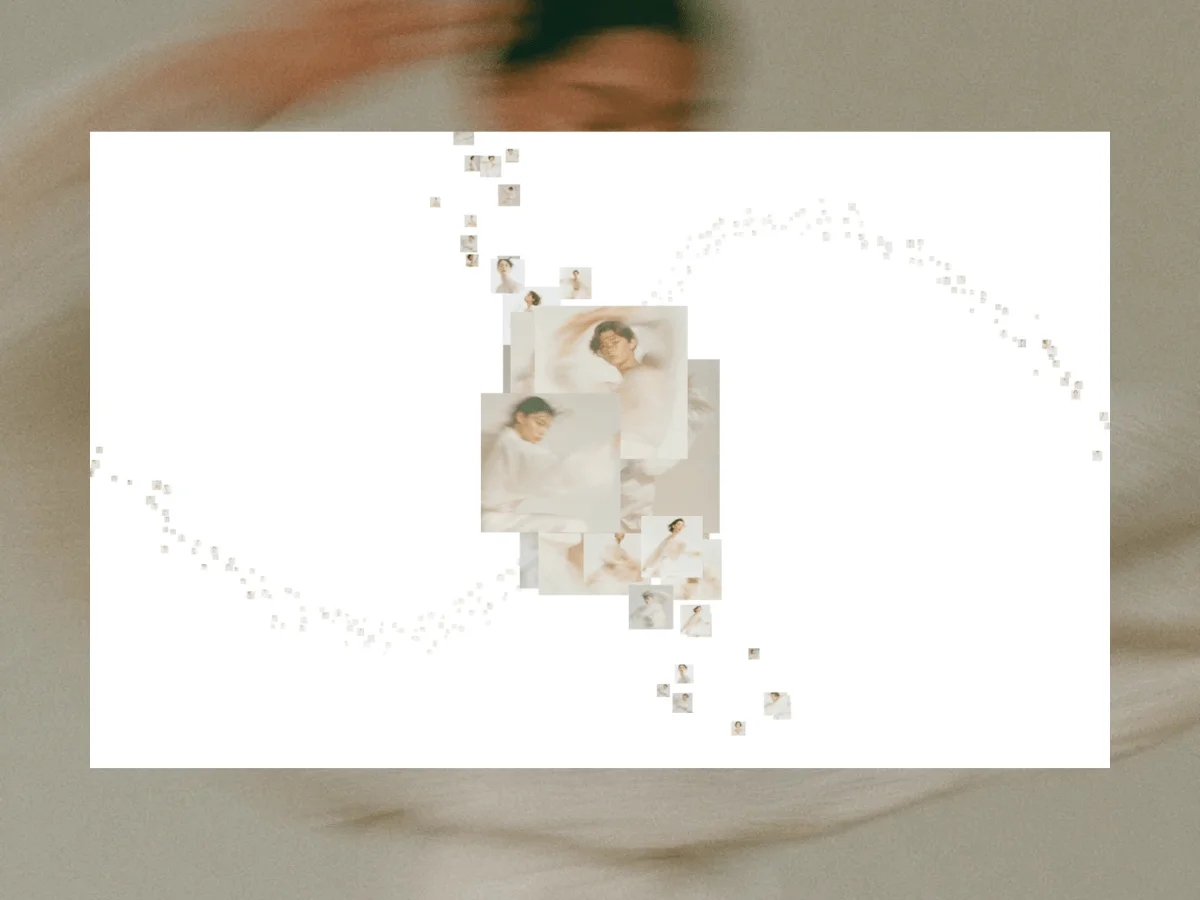
This tutorial guides you through creating an engaging 3D gallery experience that responds dynamically to user scroll. The gallery's visuals are arranged along a curve defined in Blender, with the camera sweeping through the scene driven by the user’s scroll actions. As images come into view, they expand, mimicking a cinematic focus effect, while others recede into the background.
The result feels far more like a filmic dolly shot than a mere slide show; each scroll moves the camera slightly further along an artistic path, crafting an immersive narrative as viewers navigate through a spatial display of imagery.
Here’s what you’ll be working with:
- Blender: Design and export the camera’s navigational path.
- Three.js: Fetch and render the scene based on the path drawn.
- GSAP: Control camera movements and animate visual transitions for a polished effect.
The inspiration for this project stems from a stunning digital artwork crafted by the innovative studio BAXSTUDIO.
1. Crafting the Camera Path in Blender
We’ll start in Blender by shaping the path that our camera will follow.
To create the basis for our gallery, insert a curve (Add → Curve → Bezier) and switch into Edit Mode to modify it to your liking. The configuration of this curve is essential, as it dictates the user's experience—whether it's a smooth spiral, a sharp corner, or a long straight path, these choices will heavily influence the gallery's narrative flow.
Once satisfied with your path, export it as a JSON file formatted for Three.js.
Exporting Your Path
Navigate to Blender’s Scripting workspace, create a new script (Scripting → New), and utilize the following Python code snippet:
import bpy
import json

obj = bpy.context.active_object
depsgraph = bpy.context.evaluated_depsgraph_get()
obj_eval = obj.evaluated_get(depsgraph)

mesh = obj_eval.to_mesh()

points = []
for v in mesh.vertices:
    co = obj.matrix_world @ v.co
    points.append([round(co.x, 3), round(co.z, 3), round(-co.y, 3)])

obj_eval.to_mesh_clear()

path = "/you/path/path1.json"
with open(path, "w") as f:
    json.dump(points, f)

print("export done")
Particularly significant in this code is how we convert coordinate systems:
points.append([round(co.x, 3), round(co.z, 3), round(-co.y, 3)])Blender's coordinates differ from those in Three.js, requiring the Z axis in Blender, which points up, to be adjusted for Three.js where Y is the vertical axis. Correctly remapping these points avoids misalignment of the camera path during rendering.
Xstays asXZbecomesYYtranslates to-Z(the negative ensures correct camera orientation)
Post-export, select the curve and execute the script. This process produces a JSON file filled with the curve's sampled points:
[[-27.559, 0.0, -0.0], [-27.56, 0.02, -0.022], [-27.56, 0.04, -0.044], ...]Store the exported JSON file in public/paths/path1.json. In the upcoming section, we will delve into loading this data into Three.js and reconstructing the curve.